

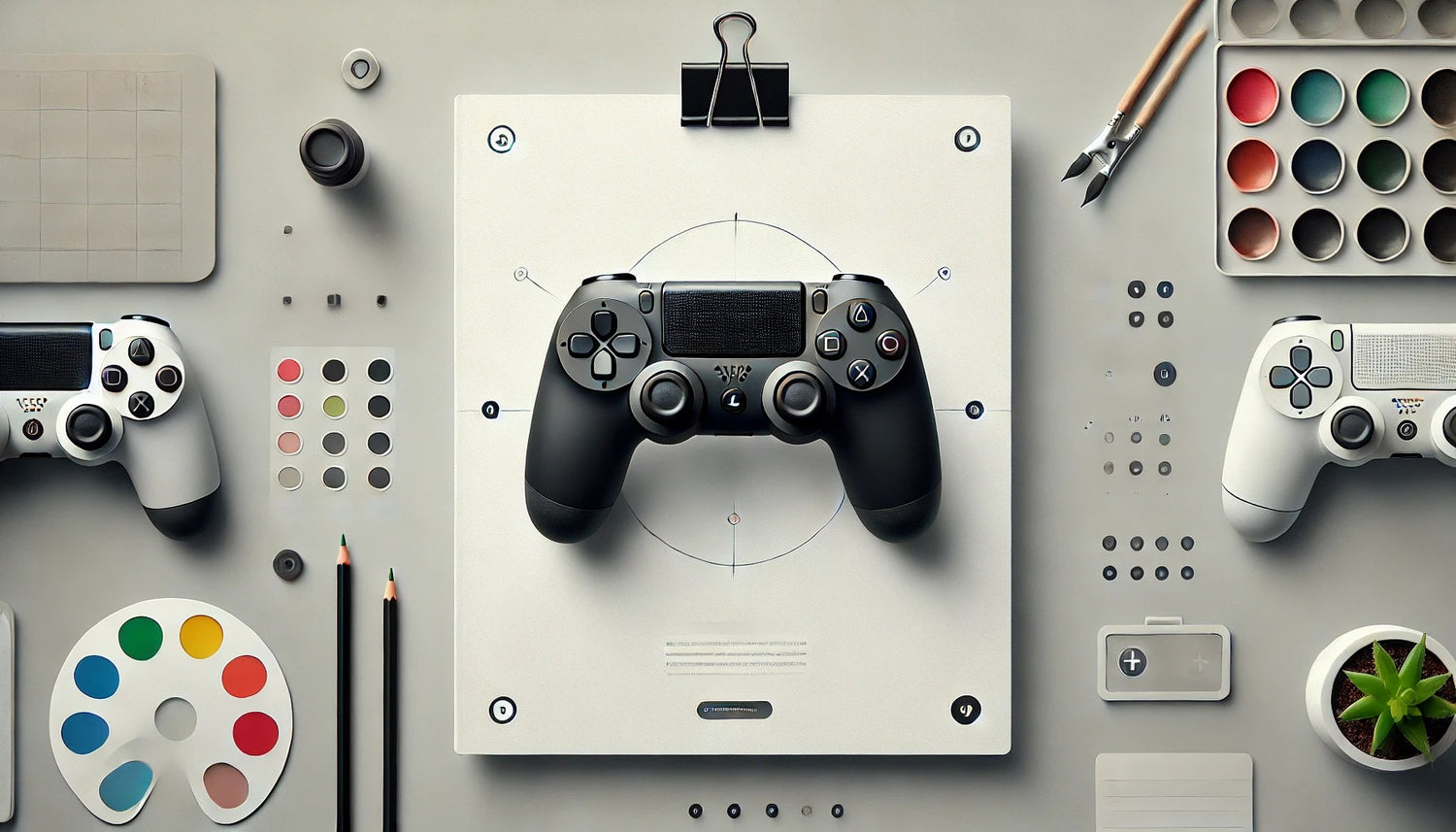
Guide to customizing your PS5 controller before the start of the school year
Admin
Summer is over, it's back to school, and it's time to get your gear up and get ready to win everything this year, whether it's in school, at work, or in your games. And what better way to start than by customizing your PS5 controller ? A controller that reflects your personality makes all the difference, whether you're beating a tough boss or relaxing after a busy day. So, grab your controller and get ready to enter creative mode with this ultimate guide to customizing your controller before the start of the school year.
And if you really want to make sure you do things like a pro, check out our YouTube channel, where we show you all the secrets to successful customization.
The essential steps to personalize your PS5 controller
First step, go to our Workshop to have access to everything that Draw my Pad has to offer, if you already have your controller, don't hesitate to see our PS5 accessories.
1. Choose the colors or patterns
To make your custom PS5 controller truly unique: choose your colors and patterns. We've got everything you need to make you swoon. From vibrant red that reminds you of Kratos's blade to Japanese patterns worthy of Demon Slayer, you have free rein to create a look that rocks.
2. Select textures and finishes
Customization isn't just about looks. Textures and finishes play a key role in your gaming experience. Whether you prefer non-slip grips or a soft-touch finish to avoid annoying reflections, we have everything you need to optimize your controller. Because yes, we know you want a controller that gives you total control, even when you're in the middle of a battle royale.
3. Add extras to your controller and boost your performance
For gamers who really want to customize their controller, adding rear paddles, an LED kit, or adjustable joystick caps is like unlocking a hidden level in the customization game.
- With the rear paddles , you can configure additional actions without ever letting go of the sticks, a must for dominating in FPS or fighting games.
- Then add an RGB LED kit to your controller to brighten up your gaming sessions. You can choose from several colors and display modes so the lighting perfectly matches the design of your controller, making it 100% unique.
- As for joystick caps , they allow you to adjust the height and grip for perfect control. And guess what? We've partnered with Caps , a new brand specializing in joystick caps for all types of controllers. Whether you're looking for something cute, gory, comfortable, or precise, they have exactly what you need to boost your performance. If you want to take it to the next level, go ahead and order some Caps Pro !
4. Order your custom controller or personalize it yourself
Once you've made your choice, all you have to do is order your custom PS5 controller directly from our website.
If you're the type of person who enjoys getting hands-on, you can also order accessories separately and customize your controller yourself. And here again, we've got you covered with video tutorials to guide you step by step.
Whether you choose the easy option or the DIY mode, you'll end up with a controller that suits you and that will make you want to play all day long (after busy days, of course!).
Customizing your PS5 controller before the start of the school year is a sure way to ensure a year of gaming with style and performance. With our Workshop and tutorials , you have everything you need to create a controller that reflects your personality and will make you shine in all your gaming sessions. So, are you ready to take it to the next level?
To start customizing your controller now, head over to Draw my Pad , and don't forget to subscribe to our YouTube channel so you don't miss any of our tips and tricks, and follow us on social media . Because back-to-school isn't just about playing, it's about standing out.